flutter中集成了 umeng_verify_sdk 这个sdk后,无法编译打包

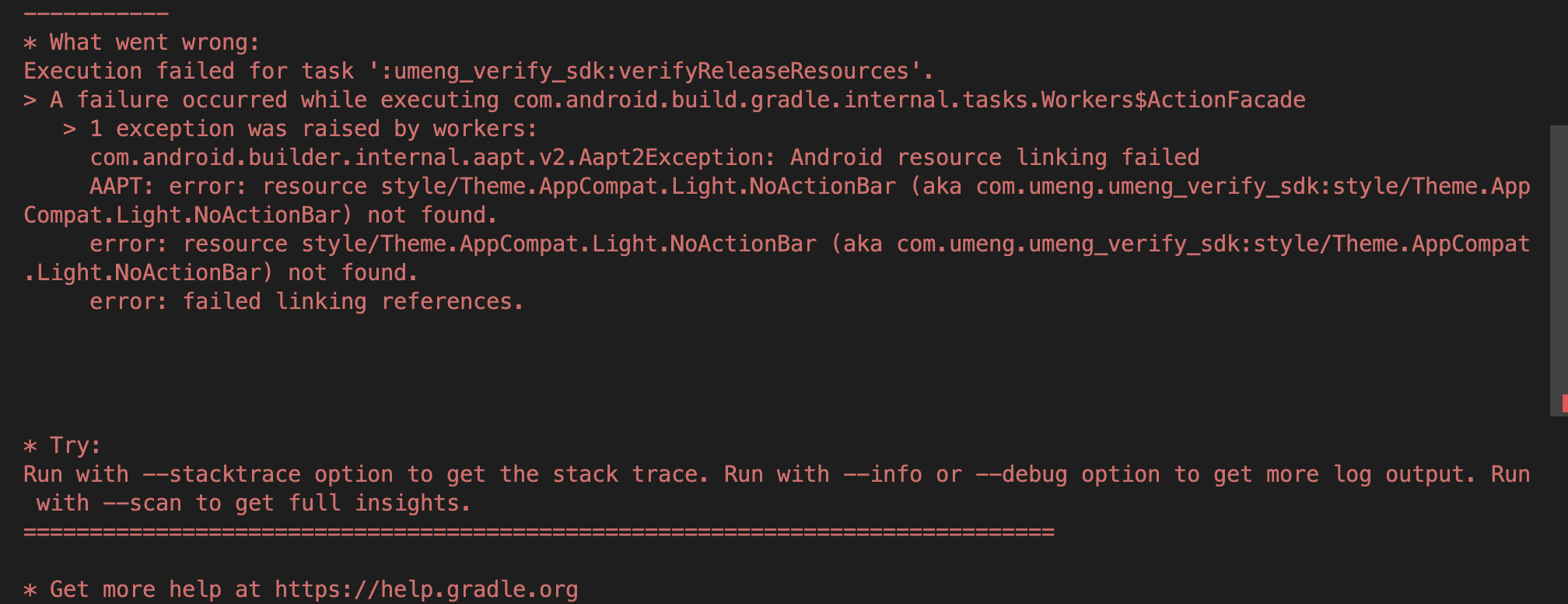
* What went wrong:
Execution failed for task ':umeng_verify_sdk:verifyReleaseResources'.
> A failure occurred while executing com.android.build.gradle.internal.tasks.Workers$ActionFacade
> 1 exception was raised by workers:
com.android.builder.internal.aapt.v2.Aapt2Exception: Android resource linking failed
AAPT: error: resource style/Theme.AppCompat.Light.NoActionBar (aka com.umeng.umeng_verify_sdk:style/Theme.AppCompat.Light.NoActionBar) not found.
error: resource style/Theme.AppCompat.Light.NoActionBar (aka com.umeng.umeng_verify_sdk:style/Theme.AppCompat.Light.NoActionBar) not found.
error: failed linking references.
尝试过新建了一个全新flutter项目 ,集成这两个库 umeng_common_sdk: ^1.2.5 umeng_verify_sdk: ^1.0.0
当集成了 umeng_verify_sdk 后,使用 flutter build apk 编译项目,显示上面的失败。 但 flutter run 是成功的。
有人知道是什么原因问题吗?
